
Download Longhorn High PX – Windows-Inspired Icon Pack, Desktop Customization, High-Quality Graphics
Overview
Longhorn High PX is a desktop icon pack designed to reflect the anticipated visual direction of a future version of Windows, drawing inspiration from the long-rumored Longhorn project. While not an official Microsoft release, the pack aims to deliver a modern, cohesive aesthetic that enhances the user's desktop environment. Its primary purpose is to allow users to customize their computer interfaces with a fresh, forward-looking visual style. This makes it particularly appealing to users who value a polished, updated look on their desktops and want to align their system’s appearance with emerging design trends.
The app is targeted at tech enthusiasts, desktop customization hobbyists, and users who appreciate aesthetic consistency across their digital workspace. It solves the common problem of outdated or generic icons by offering a unified, high-resolution design language. Real-world use cases include personalizing a home computer, preparing a presentation with a professional appearance, or simply experimenting with visual themes for creative satisfaction. Though the developer did not provide additional background, the release date of July 26, 2005, suggests this was part of a broader wave of community-driven customization tools during the early 2000s.
Within the broader ecosystem of desktop utilities, Longhorn High PX stands out as a niche but meaningful tool for visual enhancement. It contributes to the culture of personalization that has long defined the PC experience, offering users greater control over their digital environment. While it does not alter system functionality, its impact on perceived usability and user satisfaction is significant.
Key Features & Functionality
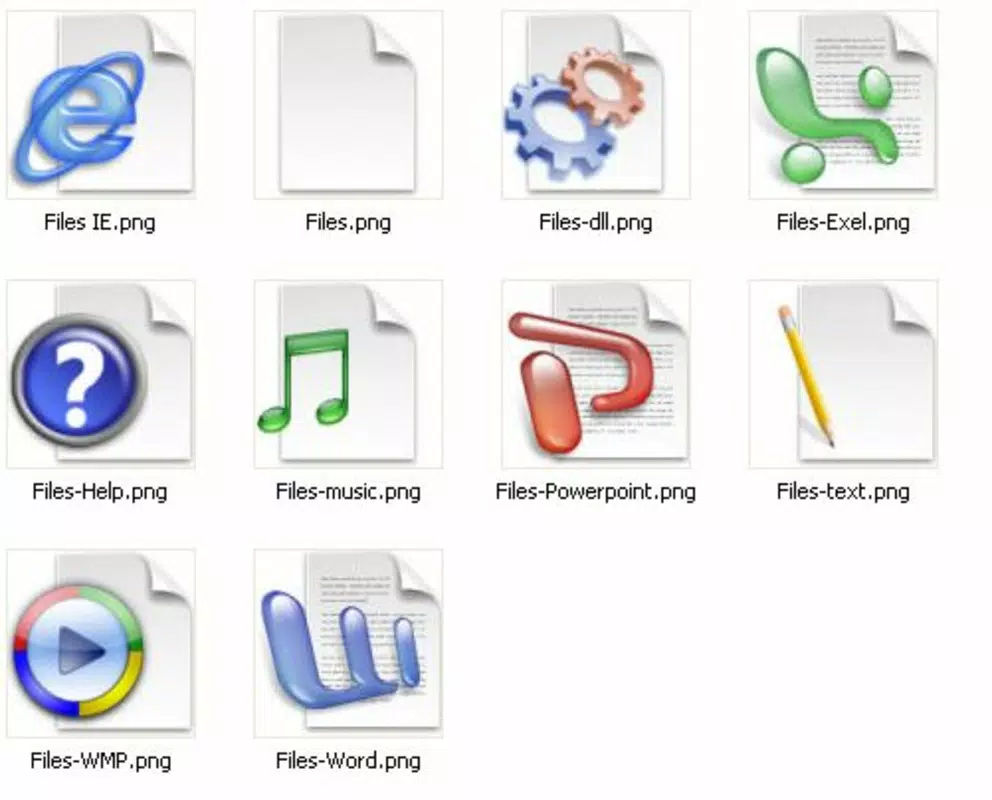
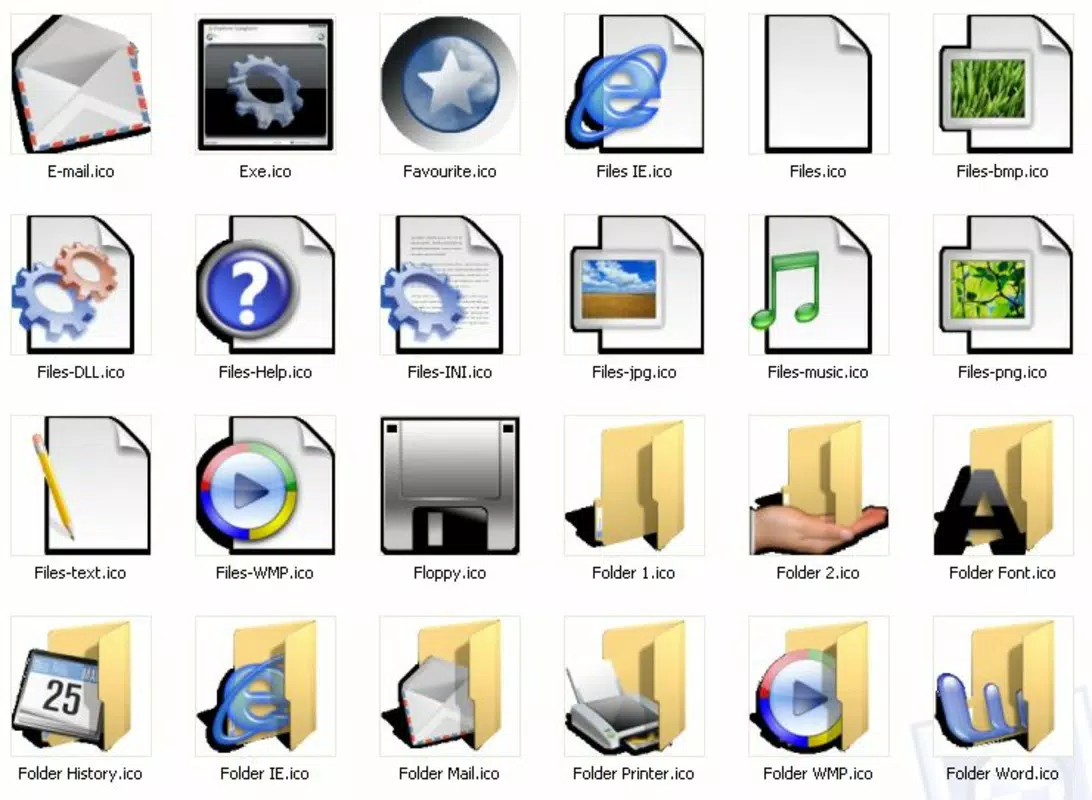
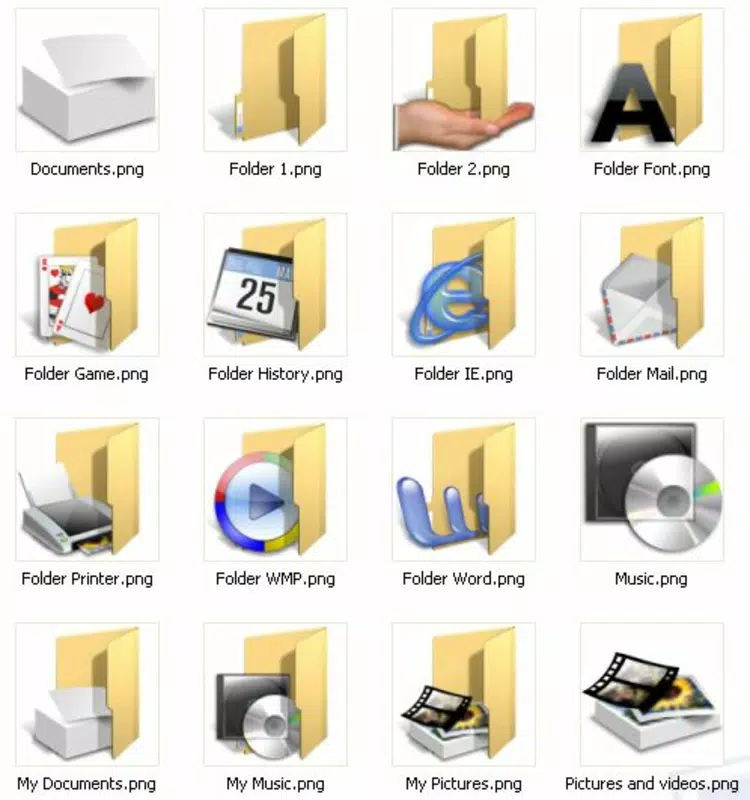
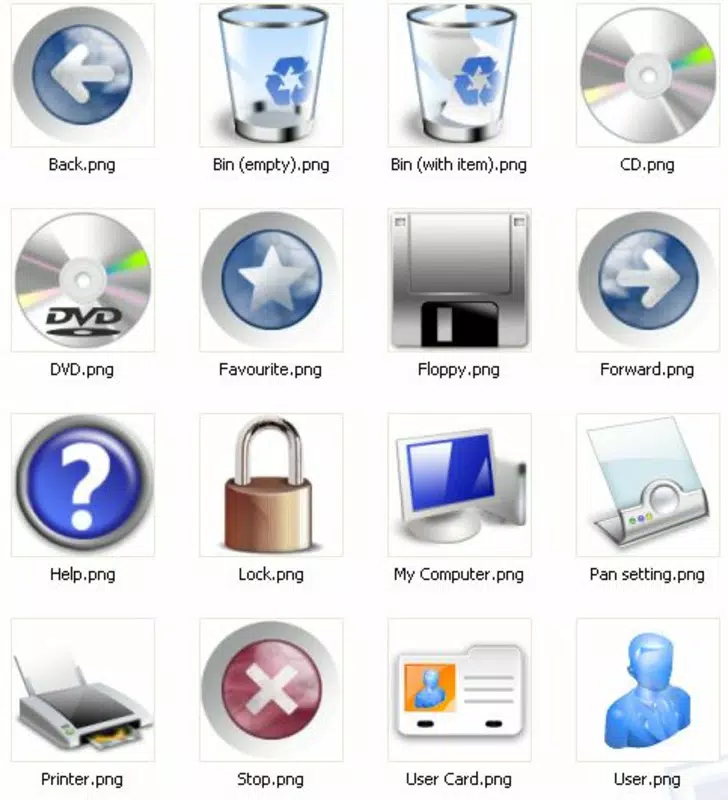
- Modern Design Inspired by Longhorn: The icon pack is crafted around the visual concepts associated with the canceled Windows Longhorn project, featuring sleek, layered, and translucent elements that anticipate a more dynamic interface.
- Comprehensive Application Coverage: Includes icons for core applications such as Word, Excel, Winamp, and Emule, enabling users to maintain a consistent look across frequently used software.
- High-Quality Graphics: Each icon is rendered at high resolution, ensuring sharpness on both standard and high-DPI displays, making them suitable for professional and personal use.
- Versatile Usage Potential: Beyond desktop shortcuts, icons can be repurposed for digital presentations, design mockups, or creative projects, adding long-term value.
- Easy Customization: The pack is designed for straightforward installation and replacement, allowing users to switch icons without technical expertise or complex configuration.
For example, a user preparing a business presentation can apply these icons to create a visually cohesive slide deck. Similarly, a hobbyist restoring an old PC can use the pack to give the system a modern, nostalgic feel. The intuitive nature of the customization process ensures accessibility for users of all skill levels.
Interface, UX & Performance
As a desktop icon pack, Longhorn High PX does not include a traditional user interface or in-app navigation. Instead, its functionality is delivered through file-based installation and system-level icon replacement. The user experience is defined by the ease of applying the pack to desktop shortcuts and application icons.
Although the developer did not list formal performance metrics, the pack’s design suggests it imposes minimal system overhead. It does not run in the background or consume significant memory or CPU resources. The stability of the pack depends on the user’s operating system and the compatibility of the icon replacement method used. On older Windows systems, such as Windows XP or Vista, the pack is likely to function without issues, given its release date and intended compatibility.
Responsiveness is not a concern in the traditional sense, as the icons are static graphics. However, their visual quality remains consistent across different screen resolutions and display settings. The pack’s design ensures that icons maintain clarity and visual integrity when scaled, which is essential for a seamless user experience.
Platform Compatibility & Technical Requirements
Longhorn High PX is designed for use on desktop operating systems, particularly those compatible with Windows XP and later versions. The developer did not specify minimum OS requirements, nor did they provide details about file size or exact version compatibility. The application is not available on mobile platforms such as Android or iOS, as it is intended solely for desktop customization.
The file size was not disclosed, but given the nature of the pack—consisting of high-resolution icon files—it likely ranges from a few megabytes to tens of megabytes. The pack is distributed as a downloadable archive, typically in ZIP format, which users extract and apply manually. No installation wizard or app store integration is required.
Pros and Cons
- Offers a unique, forward-looking design inspired by a historically significant Windows project
- High-resolution icons ensure visual clarity on modern displays
- Comprehensive coverage for commonly used applications
- Easy to install and apply without technical knowledge
- Icons can be reused in other creative projects beyond desktop use
- Not compatible with mobile operating systems
- No official support or update mechanism provided
- Compatibility with newer Windows versions may be limited
- Does not include icons for all possible applications
- Installation process requires manual file handling
FAQ
Is Longhorn High PX safe to download and use?
Yes, the pack is safe to use as long as it is downloaded from a trusted source. It does not contain executable code or malware and is purely a set of image files.
Can I use Longhorn High PX on Windows 10 or Windows 11?
Compatibility with newer Windows versions is possible but not guaranteed. While the pack may work on Windows 10 and 11, some icons may not display correctly due to changes in the operating system’s icon handling.
Do I need to install the pack to use it?
No installation is required. The pack is distributed as a file archive that you extract and apply manually to your desktop icons.
Can I customize individual icons in the pack?
Yes, since the icons are provided as image files, users can edit them using graphic software if desired.
Is Longhorn High PX free to use?
Based on available information, the pack appears to be available at no cost. However, users should verify the source to ensure it is distributed legally and without hidden charges.
Final Thoughts
Longhorn High PX remains a distinctive and nostalgic tool for desktop customization, offering a glimpse into the design aspirations of a canceled Windows project. Its high-quality graphics, broad application coverage, and ease of use make it a valuable resource for users seeking a modern, cohesive look for their desktop. While it lacks modern support features, its simplicity and visual appeal continue to resonate with enthusiasts and hobbyists.
For anyone interested in personalizing their computer with a unique, historically inspired aesthetic, this icon pack delivers real value. It’s a lightweight yet impactful way to refresh your digital workspace without altering system performance.
Download Longhorn High PX now


